Using Secrets in Yeedu
Attaching a secret to a metastore
The three metastore-oriented secret types, DATABRICKS UNITY TOKEN, HIVE BASIC and
HIVE KERBEROS, carry an optional Metastore dropdown (Select Metastore) on the create form.
Selecting a metastore there links the secret to that metastore.
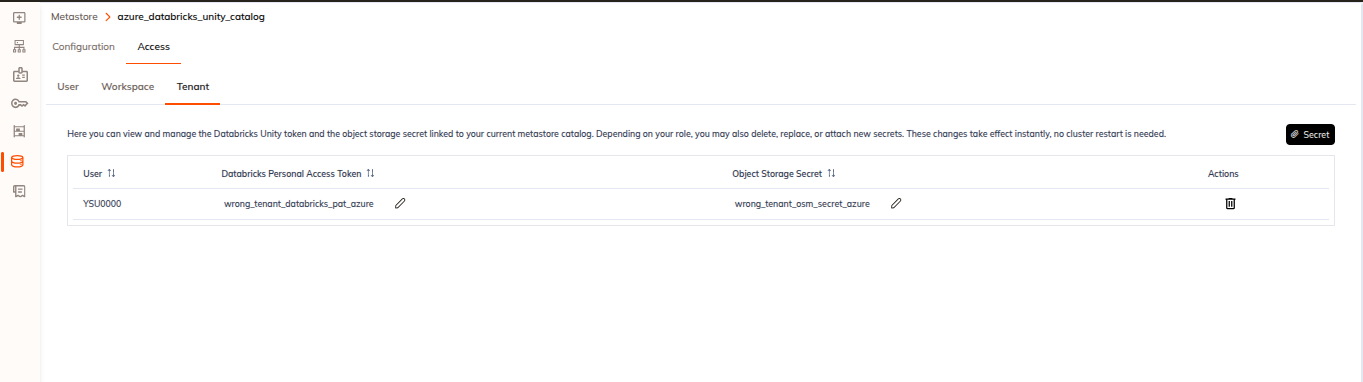
The same link can be made from the metastore side: the metastore create and edit screens have a secret picker for the metastore's credentials.
Reaching secrets from a notebook
The notebook editor has a Secrets panel. It's split by a segmented control into
Environment Variables and Metastore Secrets, and each side has User, Workspace and
Tenant scope tabs.
-
Environment Variables lists the secret names available at the selected scope, in a single Secret Name column. Clicking a row copies the name. The empty state reads
No User Secrets Found.(and the equivalent for the other scopes). -
Metastore Secrets shows the Hive secret and object-storage secret linked to the notebook's metastore, in a
User | Hive Secret | Object Storage Secret | Actionstable, with a Secret button for attaching or creating one. Its info block reads, verbatim:Manage the Hive secret and object storage secret linked to this metastore. Based on your role, you can delete, replace, or attach new secrets. Changes apply immediately without cluster restart.
The empty state is
No secrets found.
We cover the full panel in Notebook Secrets.
Secrets and jobs
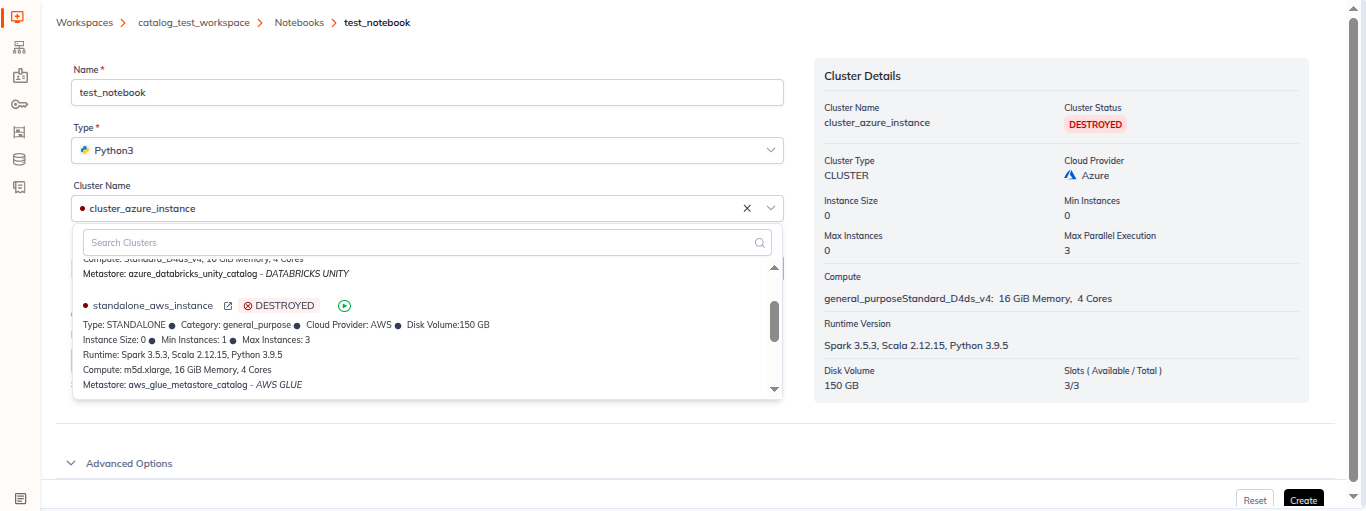
A job reaches metastore-backed credentials the same way a notebook does, through the metastore attached to the cluster the job runs on.